

%201.png)
AI UI Design Tools vs. Human Designers: Who Wins in 2026?

Quick Answer
Human designers win when product decisions affect trust, accessibility, and conversion, while AI UI tools win at fast exploration. In 2026, startups get the strongest result by using automation for early drafts and human judgment for validation, systems, and release-ready interfaces.
Introduction
AI UI design tools can produce screens quickly, but they cannot independently decide which customer problem deserves solving or whether a flow earns user trust. A capable UI UX designer turns product goals, research signals, technical constraints, and brand intent into decisions that work together. This makes the choice less about replacing people and more about assigning the right work to automation. A polished mockup can still fail if the journey asks users for the wrong information at the wrong moment.
Key Takeaways:
- Use AI to explore directions, not to approve customer-facing decisions.
- Human designers connect interface choices to research, accessibility, and business goals.
- A hybrid workflow preserves speed while protecting product quality.
AI is most useful when a team needs to turn a rough idea into visible options before committing engineering time. Prompt-based generation, copy variations, layout alternatives, and component suggestions can reduce the blank-page problem when designing UX with AI. Figma's 2025 AI report says that 78% of designers and developers believe AI boosts their work efficiency, a useful signal that these tools are becoming part of practical workflows rather than a novelty. The same workflow still needs review: Figma describes its individual AI tools as focused features for specific tasks, rather than a substitute for product decisions.
Fast concepts are not finished product decisions
For an MVP, AI can translate a feature description into screens that make a founder's assumptions discussable. Figma Make is a prompt-to-app tool for creating functional prototypes and web apps from prompts or existing designs, while its individual AI features address focused tasks such as rewriting copy, editing an image, or summarizing sticky notes.
- Wireframes: Generate starting layouts for discussion.
- Variants: Explore alternative hierarchy and copy.
- Components: Suggest reusable interface patterns.
- Handoffs: Clarify a direction before engineering begins.
Use generated screens as hypotheses
Generated UI often reflects familiar patterns, which can be useful for ordinary settings pages or internal workflows. It is less dependable when the product needs to explain an unfamiliar concept, guide a high-stakes decision, or differentiate from competitors. Treat every generated screen as a hypothesis that needs product review, not as proof that the flow is usable.
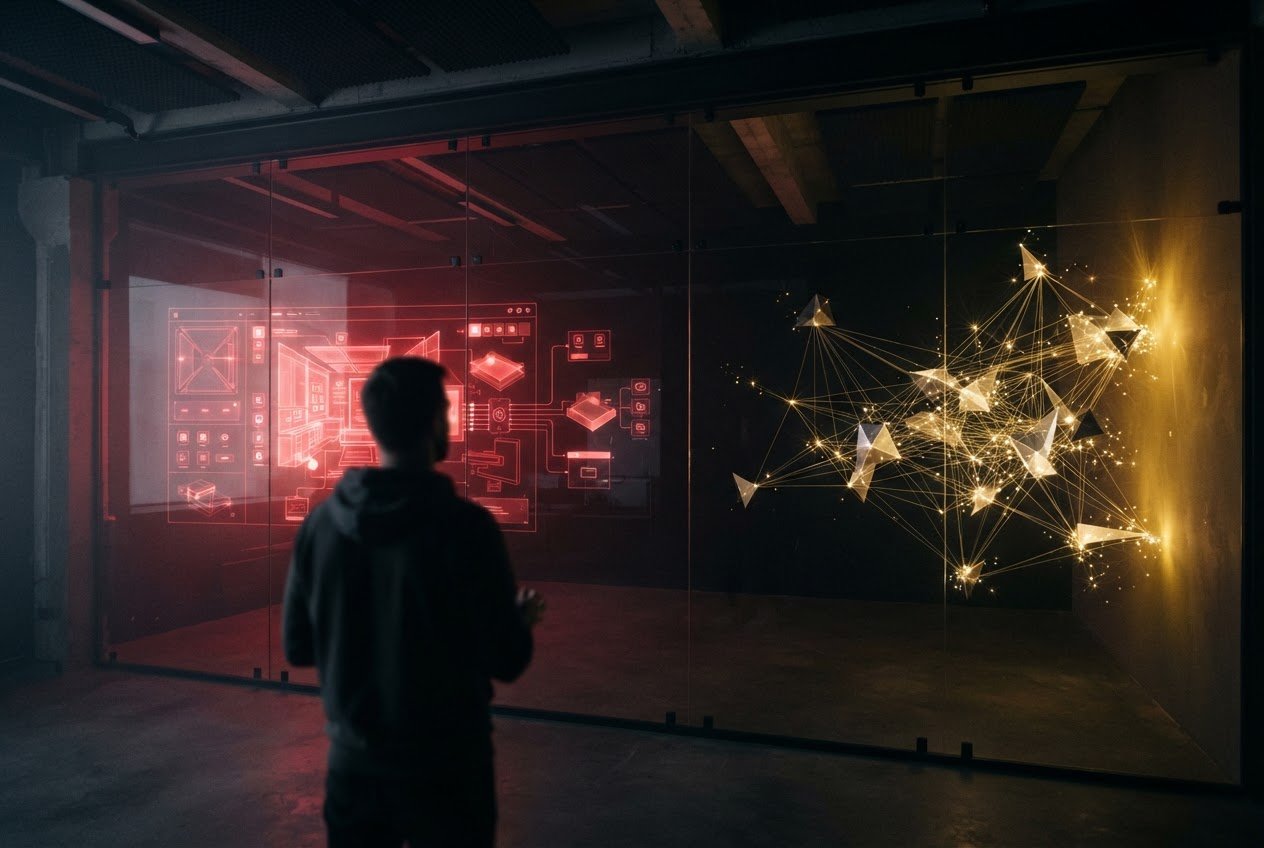
Human-led user interface design matters because an interface is a sequence of tradeoffs, not a collection of attractive screens. Designers decide what users need first, what can wait, how error states should behave, and how a product earns confidence before requesting a commitment. That judgment becomes increasingly important as a product adds roles, permissions, integrations, and edge cases.
Research turns observations into product priorities
A designer can separate what users say from what their behavior reveals, then convert that evidence into a usable flow. This is the strategic work behind startup product design: defining the journey, identifying risk, and testing the assumption that most affects adoption.
The W3C's ongoing work on AI accessibility guidance notes that automated evaluation tools and AI-generated content such as plain-language rewrites still leave gaps that require human intervention. Teams should evaluate workflows in the context where people actually make decisions, rather than judging an interface only from a static screen.
Accessibility and brand are designed deliberately
A human designer can establish focus order, readable contrast, understandable labels, and recovery paths for users who make mistakes. Those details also define whether a brand feels precise, calm, credible, or confusing. Human-computer interaction principles remain relevant because useful interfaces account for how people perceive, interpret, and act.
AI and human design are not equivalent purchases, so comparing them only by speed produces a misleading answer. AI creates early output quickly, while people reduce the risk of shipping a flow that looks complete but does not support the user journey. Pricing for tools, contractors, and studios varies by scope, access level, research needs, and implementation complexity, so a fixed cost comparison would not be reliable.
Compare the work, not just the output
| Criterion | AI UI tools | Human designers |
|---|---|---|
| Early exploration | Generates draft directions quickly | Frames options around product assumptions |
| Customization | Adapts patterns from prompts and edits | Builds decisions around users, brand, and constraints |
| Validation | Does not independently verify user behavior | Plans and interprets usability feedback |
| Design systems | Can assist with components and revisions | Defines governance and exceptions across teams |
| Focused tasks | Figma AI tools can rewrite copy, edit a single image, or summarize sticky notes | Sets the task, reviews the result, and applies it to the product context |
Conversion-focused UI design depends on more than visual consistency. It requires a clear value proposition, believable evidence, a manageable form or onboarding path, and measured friction points. It also requires reviewing what users actually do in context, rather than judging a flow only by how polished a static screen appears.
Ninja Studio has worked with startup teams on website and mobile app design and development, where design decisions must connect to the product build rather than end at a static mockup. Teams choosing support can use a guide to UI UX design companies to assess fit for their product stage and delivery needs.
Scalability appears after the first release
AI-generated pages can be useful for a narrow feature, but scale introduces states that prompts rarely resolve on their own: empty data, permission conflicts, loading behavior, mobile variation, and inconsistent content. A documented component system gives teams a shared language that supports business success through UI UX design as the product changes.
A hybrid approach is the practical default for founders who need momentum without outsourcing product judgment to a generator. Let AI expand the range of ideas, then assign a human designer responsibility for choosing, testing, refining, and documenting the direction. This keeps the team focused on decisions that are costly to reverse after development starts.
Match the workflow to the product stage
At the idea stage, use AI to create lightweight wireframes and language variations for stakeholder discussion. During MVP definition, involve a designer to map tasks, prioritize content, and expose assumptions before engineering. For a redesign or a B2B SaaS interface design project, use human-led research and system work because existing user behavior, permissions, and data density make generic patterns riskier.
Human-AI collaboration works best when people retain responsibility for evaluation. A human-AI evaluation should ask whether the interface supports a real task, not merely whether generated screens appear polished. This matters because a polished generated screen is not evidence that users can complete the intended task. Teams should test the workflow where users actually make decisions.
Set decision gates before design becomes development
Before a screen enters implementation, confirm the target user, primary task, success signal, error path, and accessibility expectations. Then use prototypes to test comprehension and revise the journey before building it. Founders comparing a UX agency with a freelancer should also assess whether the partner can carry this decision process through design and development.
Ninja Studio can support startups that need design and development coordinated across an MVP, website, or mobile application, including regular progress tracking as the work moves toward launch.
AI UI tools do not eliminate the need for designers; they change where designers create the most value. They can assist with bounded tasks such as copy rewrites, single-image edits, sticky-note summaries, layout exploration, and prompt-based revisions, but teams still need to define the task, review the result, and decide whether it fits the product context. Use automation to produce options and accelerate low-risk tasks, then use human expertise to connect the interface to customer behavior, accessibility, brand, and implementation reality. For startups building a product where adoption and trust matter, Ninja Studio can provide coordinated design and development support.
Connect with Ninja Studio to discuss a product workflow that matches your stage and delivery needs.
Frequently Asked Questions (FAQs)
What is the difference between UI and UX design?
UI design shapes the visual controls, layout, and interaction surfaces people use, while UX design defines the broader journey, task flow, and reasoning that makes those surfaces useful.
How much does UI design cost for mobile apps?
UI design cost for mobile apps varies because the scope depends on screen count, platform requirements, research, prototype fidelity, design-system needs, and the complexity of interactions and states.
Can a custom UI improve my conversion rate?
A custom UI can improve conversion rate when it removes confusion around the value proposition, next action, credibility signals, and friction in the path to completion.
How do you design UI for AI-powered platforms?
UI for AI-powered platforms should clearly show what the system can do, what information it used, where uncertainty exists, and how users can review or override an output.
What are the best practices for mobile app interface design?
Mobile app interface design works best when primary actions are easy to reach, content is readable, feedback is immediate, and interruptions preserve progress rather than discard it.
How to find a reliable UI UX design partner?
A reliable UI UX design partner can explain its discovery process, show relevant work, define feedback and handoff practices, and connect interface choices to implementation constraints.
About the Author
Olivia Bennett is a Startup Technology Research Specialist who researches software innovation, startup technology trends, and modern development practices. Her work focuses on translating fast-moving technical changes into practical decisions for product teams.


.svg)


.svg)
